Build a House Controls Hub
PC and mobile inputs for collecting, placing, upgrades, shop, and settings.
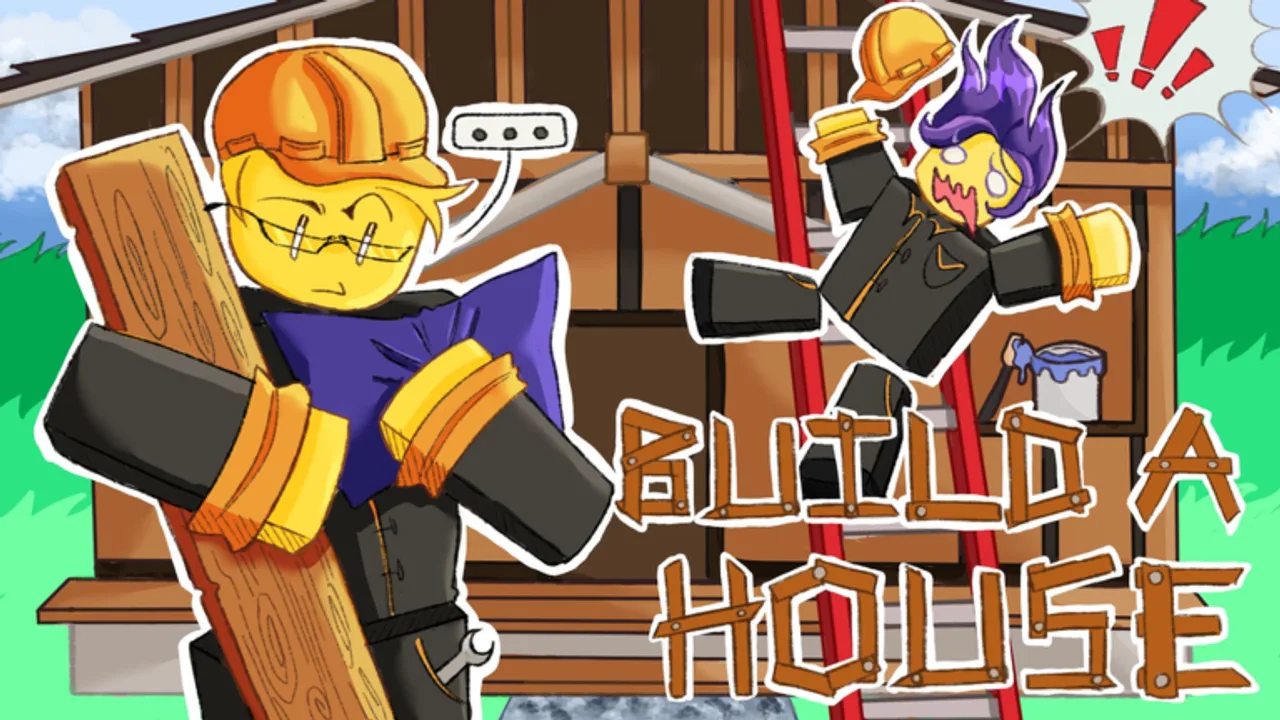
This Controls Hub covers how to operate Build a House on Roblox—keyboard shortcuts, click placement, mobile taps, and settings comfort. Category label in the nav may say Controls even though the content category key remains players for the template system.
Quick PC reference
| Input | Action |
|---|---|
| Click | Place bricks |
| U | Open Upgrades |
| Q | Open Shop |
| T | Open Settings |
Full narrative tips: PC controls for Build a House.
Mobile
Touch players use on-screen buttons for the same systems—upgrades, shop, settings—plus tap-to-place. Details and comfort advice: Mobile controls for Build a House.
Why controls matter in this game
Build a House is a satisfying placement experience. Smooth camera, reliable clicks/taps, and fast access to U / Q / T (or their mobile equivalents) keep you inside the collect → place → cash loop. Fighting the UI is the fastest way to lose the ASMR rhythm Place a Brick is going for.
Pair controls with gameplay guides
- New to the loop? How to play
- Want speed? How to place bricks faster
- Ready to finish? How to complete your house
- Spending cash? Upgrade priority and Shop
Settings mindset
Open Settings when you need quieter audio, clearer UI, or comfort changes—then close it and build. Do not livemap every option mid-cycle. On PC, T is enough; on mobile, find the gear/settings entry once and memorize it.
Server context
Servers hold up to 15 players. More avatars can mean more visual noise—controls comfort and graphics settings help you stay accurate. See Multiplayer tips.
Practice drill (five minutes)
- Place only—no menus—for two minutes.
- Open Upgrades once, note a category, close it.
- Place for two more minutes.
- Open Shop only if upgrades cannot express the purchase you need.
- Open Settings only if audio is fighting your timing.
That drill wires the same habits How to place bricks faster expects later.
Sibling pages in this hub
- PC controls
- Mobile controls
- Settings guide — comfort options via T without menu addiction
Elsewhere: Guides Hub, Essential tips, Upgrades Hub, Tools Hub, Codes Hub, August 2026 status, Links Hub.
Master inputs once; every upgrade afterward feels better because your hands already know the loop.
Controls hub after August 2026
More concurrent players means noisier servers and more reason to master inputs early. Learn PC or mobile paths, set comfort options once via Settings, then spend attention on the house. Recheck bindings after patches with August 2026 status.
Frequently Asked Questions
Quick answers about Build a House on Roblox.
What key places bricks in Build a House?
On PC, click to place. U opens Upgrades, Q opens Shop, and T opens Settings.
Where are mobile controls documented?
See [Mobile controls for Build a House](/controls/mobile/) for tap placement and HUD advice.
Do controls change in multiplayer?
Inputs stay the same. Distraction rises on busier 15-player servers—see [Multiplayer tips](/guides/multiplayer/).
Which guide should I read after learning controls?
Open [How to play Build a House](/guides/how-to-play/) next.