Build a House Guides Hub
From first brick to finished house—walkthroughs for the full Place a Brick loop.
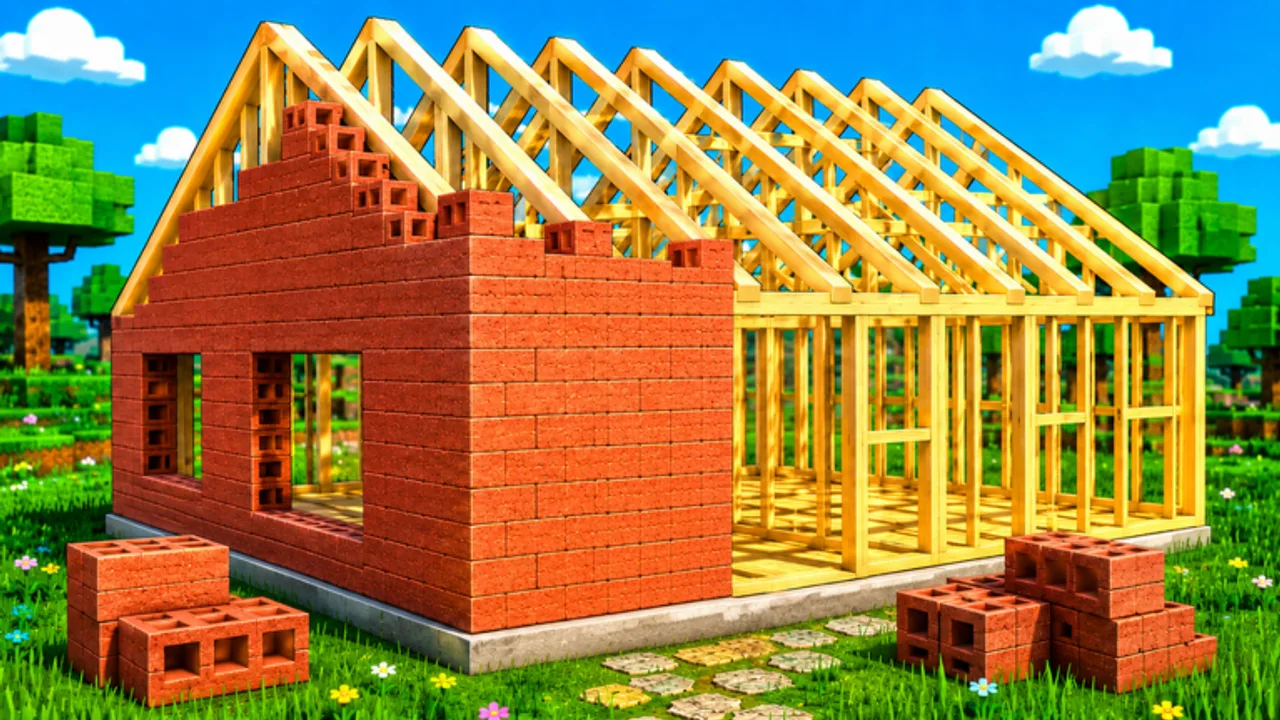
Welcome to the Build a House guides hub. This Roblox experience from Place a Brick is built around a clean, satisfying loop: spawn on an empty plot, collect bricks, click to place them, earn cash, spend on upgrades and the shop, complete the house, then chase leaderboards. These guides unpack that loop without inventing fake systems.
Start here
New players should open How to play Build a House first. It covers the session flow, PC hotkeys (U / Q / T), and how cash ties into upgrades. Prefer video? That page embeds a brick-by-brick YouTube walkthrough; Essential tips also embeds the same session for habit-focused viewers.
Core progression guides
- How to play Build a House — day-one loop, HUD, and goals
- How to place bricks faster — click cadence, carry habits, and focus tips
- How to complete your house — pacing from empty plot to finished build
- Essential tips — high-impact habits in one checklist
- Cash & economy — earn/spend discipline without fake prices
- Beginner mistakes — traps that stall new builders
Social and ranking guides
- Multiplayer tips — servers up to 15 players, etiquette, and shared-space focus
- Leaderboards explained — what ranks usually reflect and how to climb without myths
How these guides connect to other hubs
Guides explain how to play. Pair them with:
- Controls Hub for PC, mobile, and Settings
- Upgrades Hub for early-, mid-, and priority spending
- Tools Hub for shop and carry planning tables
- Codes Hub for promo status (none verified yet)
- Updates Hub and August 2026 status after patches
- Links Hub for the official Roblox place
What we will not invent
Upgrade trees, exact cash prices, and hidden multiplier formulas can change or stay undisclosed. Across this hub we speak in categories—carry speed, carry capacity, tools, shop purchases—and we mark uncertainty when a number is unknown. That keeps advice useful after balance patches.
Session checklist
- Join the official place and claim your plot.
- Collect bricks, then place with clean click targets.
- Open Upgrades (U on PC) when cash spikes.
- Visit the Shop (Q on PC) for tools or helpers when your bottleneck is clear.
- Use Settings (T on PC) if audio/UI options help the ASMR building vibe.
- Push toward house completion, then compare progress on leaderboards.
Use Early-game upgrades if your first hour feels slow, Mid-game upgrades once the house has shape, and Carry planner when you want a simple table-driven plan.
Keep exploring
The Guides dropdown shows a shortlist—open this hub for the full set. Every guide cross-links to siblings so you can bounce between placement technique, economy discipline, and completion pacing without dead ends. Bookmark it beside Codes and Updates.
Frequently Asked Questions
Quick answers about Build a House on Roblox.
Which Build a House guide should I read first?
Start with [How to play](/guides/how-to-play/), then [How to place bricks faster](/guides/how-to-place-faster/) once the basic loop clicks.
Do these guides include promo codes?
Codes live on the [Codes Hub](/codes/). Guides focus on gameplay. No verified codes are listed yet.
Is there a video guide?
Yes—one embedded walkthrough on [How to play](/guides/how-to-play/) only. Other pages stay text-first.
Are upgrade names listed here?
We avoid inventing exact names or prices. See category advice on the [Upgrades Hub](/tier-list/).