Build a House Early-Game Upgrades
First-session spending habits that protect momentum after you join the plot.
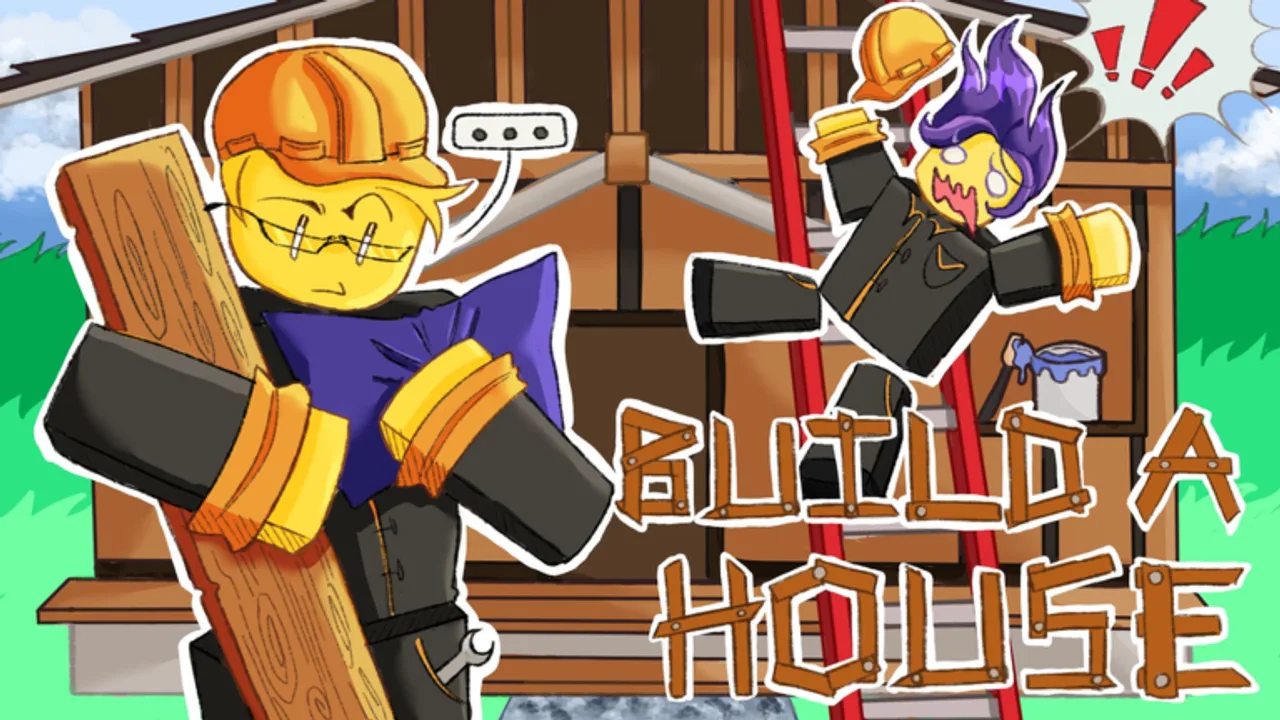
The early game of Build a House is where players either lock into a smooth collect → place rhythm or burn cash on clutter. This page is the first-hour companion to Upgrade priority, written for new joins on the Place a Brick experience (released 2026-07-06).
Minute 0–10: earn the right to shop
Do not open Q the instant you spawn. Collect bricks, click/tap to place, and confirm that cash actually appears. Learn camera placement. Skim How to play if the loop is unclear, and Controls if inputs fight you.
Goal: two or three clean cycles with almost no menu time.
Minute 10–25: first category spend
Open Upgrades (U on PC) once. Buy into the category your cycles already complained about:
- Tiny stacks → capacity
- Long walks with decent stacks → carry speed
- Awkward gather/place feel → tools (only if clearly true)
Then close the menu and test. If the next cycle does not feel better, you misdiagnosed—fix the note before spending again. The Carry planner can hold that note.
Minute 25–45: resist shop glitter
The Shop (Q) is tempting early. Most first-hour power still sits in upgrades that shorten cycles. Visit the shop when upgrades alone cannot fix a pain you can describe in one sentence. Details: Shop and Tools upgrades.
Social early game
Servers can hold 15 players. Watching a finished house is inspiring and dangerous for focus. Use Multiplayer tips so sightseeing does not eat your first hour. Leaderboards can wait until you have a real pacing baseline (Leaderboards).
Early-game priority table
| Priority | Category | Early-game reason |
|---|---|---|
| 1 | Capacity | Multiplies every walk you already take |
| 2 | Carry speed | Shrinks the tax on those fuller walks |
| 3 | Tools | Only if hands-on actions are clearly slow |
| 4 | Extra shop QoL | After momentum feels good |
No invented coin costs—test after each purchase.
Mistakes we see conceptually
- Spreading cash across every upgrade equally
- Idle chatting through the tutorial energy window
- Waiting on codes that are not verified yet
- Chasing scripts (Scripts lists none for this place)
Transition out of early game
You “graduated” when:
- You can name your bottleneck without thinking
- You batch menu time between cycles
- Your house visibly grows every short session
- You are ready for How to complete your house pacing
First-day checklist
- Official place only (Links Hub).
- Learn click/tap placement and the upgrade/shop entries (Controls).
- Run the minute bands above without inventing optimal spreadsheets.
- Write one bottleneck sentence into the Carry planner.
- Ignore lobby script claims and unverified code dumps.
If your first hour ends with a visibly taller house and one category purchase you can explain out loud, you did early game correctly—even if a neighbor on the 15-player server looks further ahead on their plot.
Sibling pages
Upgrades Hub, Upgrade priority, Tools upgrades, Place faster, Guides Hub, Updates.
Early game rewards patience inside a simple loop. Buy less often, place more often, and let categories—not FOMO—drive U and Q.
Early-game and the 2026 player wave
Many newcomers arrive after seeing satisfying brick videos or Roblox charts. Early upgrades should still answer one question: what made the last cycle painful? Ignore hype purchases. Use Beginner mistakes as a mirror and graduate to Mid-game upgrades only after the loop feels automatic.
Early exit criteria
Leave early-game priority when collect → place feels automatic and your first capacity/carry buys are proven. Then open Mid-game upgrades.
Frequently Asked Questions
Quick answers about Build a House on Roblox.
Should new players open the shop immediately?
No. Complete a few collect/place cycles first, then spend on the bottleneck category via Upgrades.
What is the best first upgrade category?
Usually capacity if stacks are tiny; otherwise carry speed. Confirm with your own cycle feel.
How does early game differ on mobile?
Same priorities; HUD icons replace U/Q/T. See [Mobile controls](/controls/mobile/).
Do I need codes in the first hour?
No. None are verified yet on the [Codes Hub](/codes/).