Build a House Beginner Mistakes to Avoid
Skip the traps that turn a satisfying brick loop into menu frustration.
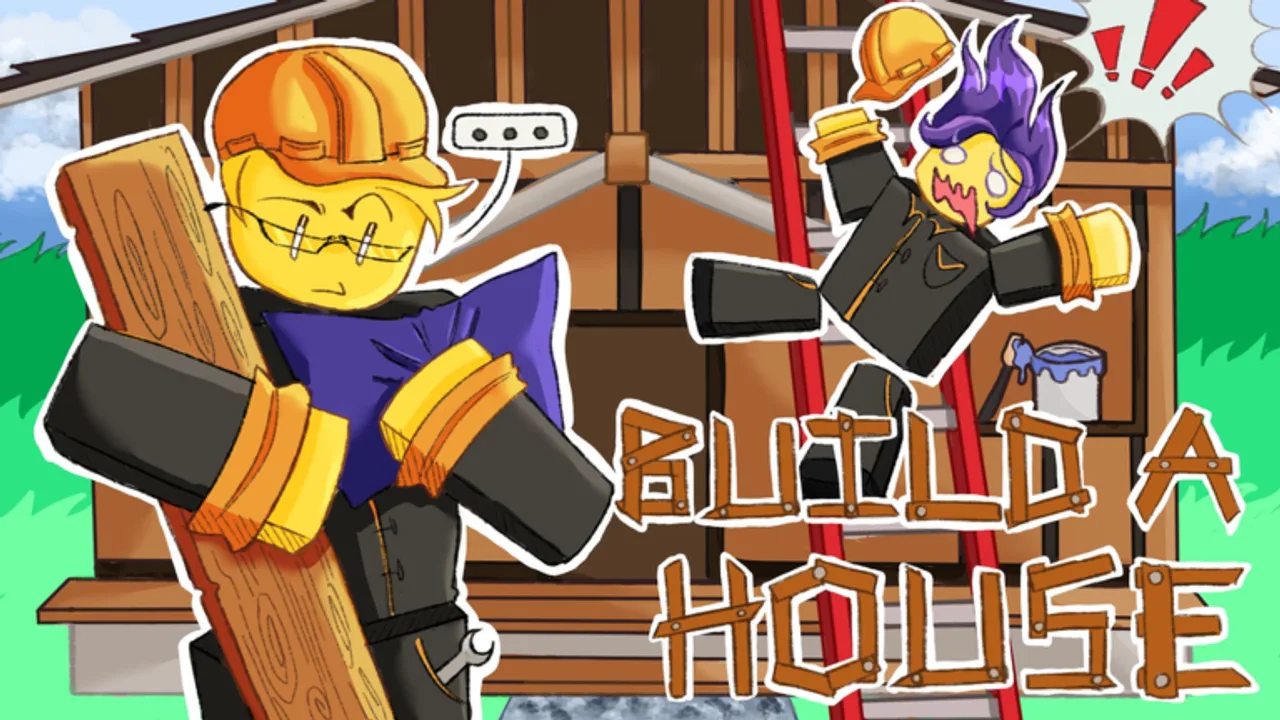
New players in Build a House usually understand “place bricks” quickly—and then lose time to the same handful of mistakes. This page lists those traps and the fix for each, using Place a Brick’s real loop: collect → place → cash → upgrades/shop → finish → leaderboards.
Mistake 1 — Shopping before placing
Opening Q or U before you feel the loop wastes the first minutes. Fix: place a small stack first, watch cash respond, then buy. Day-one flow: How to play.
Mistake 2 — Buying every category at once
Spray spending hides what worked. Fix: one category per spike, then two test cycles. Framework: Upgrade priority and Cash & economy.
Mistake 3 — Ignoring capacity when trips are tiny
Half-empty walks are silent time loss. Fix: if hands empty immediately, prioritize capacity-style upgrades before cosmetics. Early focus: Early-game upgrades.
Mistake 4 — Chasing speed with inaccurate clicks
Fast misclicks create redo work. Fix: accuracy rhythm first—camera line-up, short bursts, then speed. Details: Place bricks faster.
Mistake 5 — Fighting the UI instead of learning hotkeys
Hunting HUD icons every cycle is slower than muscle memory. Fix: memorize U / Q / T on PC (PC controls) and the mobile equivalents (Mobile controls). Comfort tweaks: Settings.
Mistake 6 — Treating other plots as the main show
On 15-player servers, tourism mid-burst kills pace. Fix: sightseeing between cycles only—Multiplayer tips.
Mistake 7 — Waiting on unverified codes or scripts
Fake code collages and “auto place” promises waste time and can risk accounts. Fix: progress with placement + upgrades. Status: Codes (none verified), Scripts (none listed).
Mistake 8 — Endless upgrading instead of finishing
A house that is “almost done” still needs placement minutes. Fix: set a completion phase and stop shopping unless a hard bottleneck remains—Complete your house and Mid-game upgrades.
Mistake 9 — Ignoring patch days
Menus and feel can shift. The experience updated 2026-08-05. Fix: run the recheck list on Updates / August 2026 status.
Mistake 10 — Skipping the satisfying focus
Build a House is marketed with satisfying / ASMR building tags. Playing distracted makes every mechanic feel worse. Fix: quiet session habits from Essential tips.
Recovery plan if you already stalled
- Close all menus.
- Run two pure collect → place cycles.
- Name one bottleneck.
- Buy once in that category.
- Retest two cycles.
- Resume the house phase—not the shop tour.
Related pages
Guides Hub, Controls Hub, Upgrades Hub, Tools Hub, Links Hub.
Avoiding mistakes is not about perfection—it is about protecting the brick rhythm that makes Build a House fun.
How to use this mistakes list
Do not try to avoid every mistake on day one. Pick the two that match how you stalled last session—usually shopping too early and tourism on busy servers—and correct only those. Build a House is intentionally soothing; turning onboarding into a guilt checklist fights the fantasy Place a Brick is selling with satisfying / ASMR tags.
After a week of play, re-read this page once. Mid-game players often reintroduce early mistakes in disguise: “just one more shop tab” is still Mistake 8, and “I will wait for a code drop” is still Mistake 7. Keep August 2026 status handy when the community hype spikes, and keep How to complete your house open when the structure is mostly there but your cursor keeps drifting back to Upgrades.
Encouragement, not perfection
Every builder misclicks. The mistake is repeating the same stall pattern for an hour. Correct course, place the next brick, and keep the satisfying loop alive.
Frequently Asked Questions
Quick answers about Build a House on Roblox.
What is the most common beginner mistake?
Opening shops before feeling the collect → place loop, then buying every upgrade tab at once.
Should beginners save for big upgrades?
Make small, testable buys that fix a clear bottleneck. See [Cash & economy](/guides/cash-guide/).
Are codes a beginner shortcut?
Not yet—none are verified. Use [Codes Hub](/codes/) for status only.
Where do I learn controls quickly?
Start at the [Controls Hub](/controls/), then PC or mobile deep dives.