How to Play Build a House
The full loop from empty plot to completed house—with PC hotkeys and smart early goals.
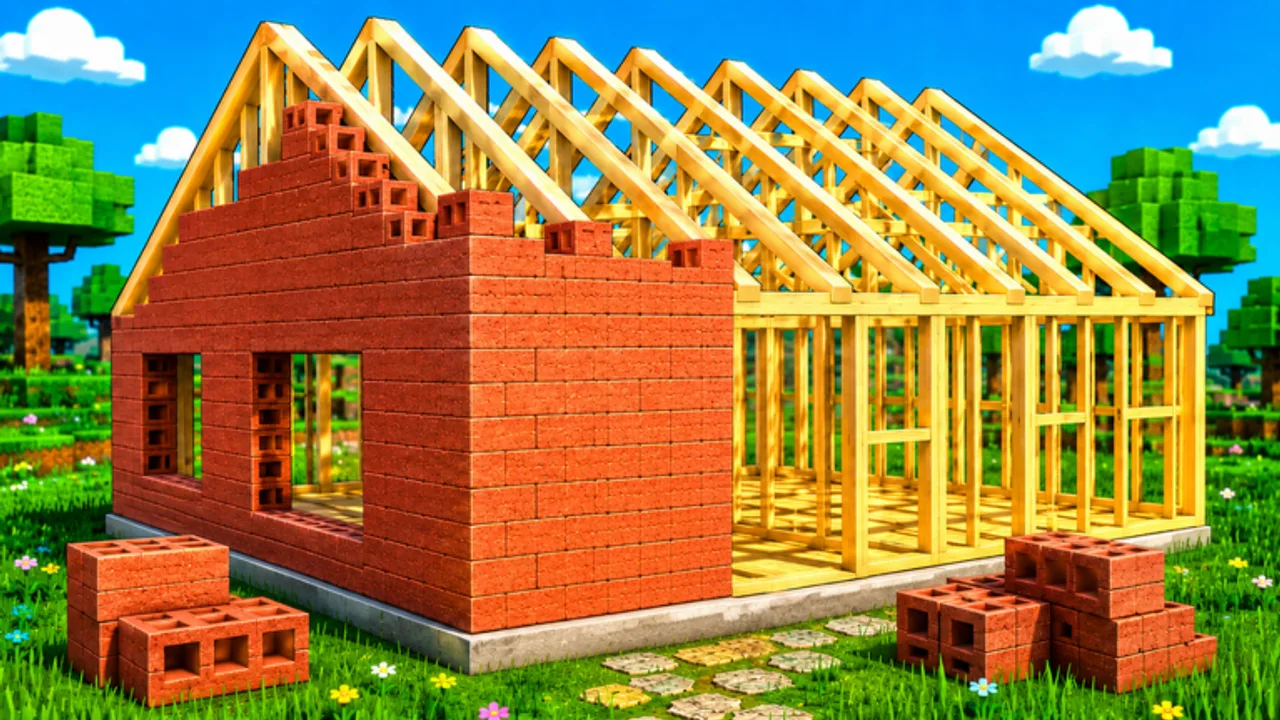
Build a House is a Roblox building experience by Place a Brick. You start with an empty plot, collect bricks, click to place them, earn cash as you progress, spend that cash on upgrades and shop purchases, complete the house, and compete on leaderboards. This guide is the day-one walkthrough for that loop.
The core loop
Think in five beats every session:
- Collect — Gather bricks from the sources the experience provides on or near your plot.
- Place — Click to set bricks into the house structure. Placement is the satisfying ASMR core of the game.
- Earn — Cash flows from building progress; treat it as fuel, not the end goal.
- Upgrade / shop — Convert cash into quality-of-life: faster carry, more capacity, better tools, or other shop purchases.
- Complete & compete — Finish the house, then compare ranks on leaderboards.
Servers support up to 15 players. The experience released 2026-07-06. Play the official place only: Build a House.
First ten minutes
Spawn in and orient on your plot. Do not sprint into menus before you place a few bricks—muscle memory for click placement matters more than shopping blind. Collect a small stack, place it cleanly, and watch how cash ticks up. That feedback teaches the pace of the experience better than any spreadsheet.
When cash feels meaningful, open upgrades. On PC, press U for Upgrades, Q for Shop, and T for Settings. Full key notes live on PC controls; touch layouts are on Mobile controls.
Spending without invented prices
We do not list fabricated upgrade names or cash costs. Instead, buy in categories that match your bottleneck:
- If trips feel slow → prioritize carry speed style upgrades
- If you run out of bricks mid-run → prioritize capacity
- If placement or gathering feels clumsy → look at tools in upgrades or the shop
- If you are unsure → skim Upgrade priority and Early-game upgrades
The Shop guide and Carry planner add planning tables without pretending to know hidden exact values.
Mid-session goals
After the tutorial feeling fades:
- Keep placement targets consistent so you are not correcting misclicks
- Batch collect → place cycles instead of dithering between menus
- Recheck upgrades after every noticeable cash spike
- Use Settings if audio levels help the chill building vibe
- Glance at other plots for inspiration, not distraction—see Multiplayer tips
Toward a finished house
Completion is a pacing problem as much as a clicking problem. How to complete your house covers structure phases and when to stop shopping. How to place bricks faster tightens the mechanical side.
Codes and scripts (honest notes)
There are no verified promo codes yet—see the Codes Hub. There are also no trustworthy public scripts catalogued for this place on this wiki—read the Scripts Hub for safety guidance only. Neither codes nor scripts are required to enjoy or finish the game.
Watch a brick-by-brick session
Prefer video? The walkthrough below shows a literal brick-by-brick Roblox house build. Use it alongside the text steps above, then return to your own plot and repeat the collect → place → cash loop.
After you know the basics
Branch into leaderboards when you care about rank, tier-list / upgrades when cash decisions get harder, and Updates after patches. Official destinations stay on the Links Hub.
Build a House rewards calm focus. Master the loop once, and every later upgrade simply makes that same satisfying placement feel smoother.
Frequently Asked Questions
Quick answers about Build a House on Roblox.
What is the main goal in Build a House?
Collect bricks, place them to grow your house, earn cash for upgrades/shop purchases, complete the house, and climb leaderboards.
What are the PC hotkeys?
U opens Upgrades, Q opens Shop, T opens Settings, and click places bricks. Details on [PC controls](/controls/pc/).
How many players per server?
Servers support up to 15 players. See [Multiplayer tips](/guides/multiplayer/) for focus advice.
Who developed Build a House?
Place a Brick (Roblox group). Play the official place linked from the [Links Hub](/wiki/).
Do I need codes to progress?
No. The [Codes Hub](/codes/) currently lists no verified codes. Progression is collect, place, earn, and upgrade.