Build a House Mobile Controls
Touch-friendly placement, menus, and settings for building on the go.
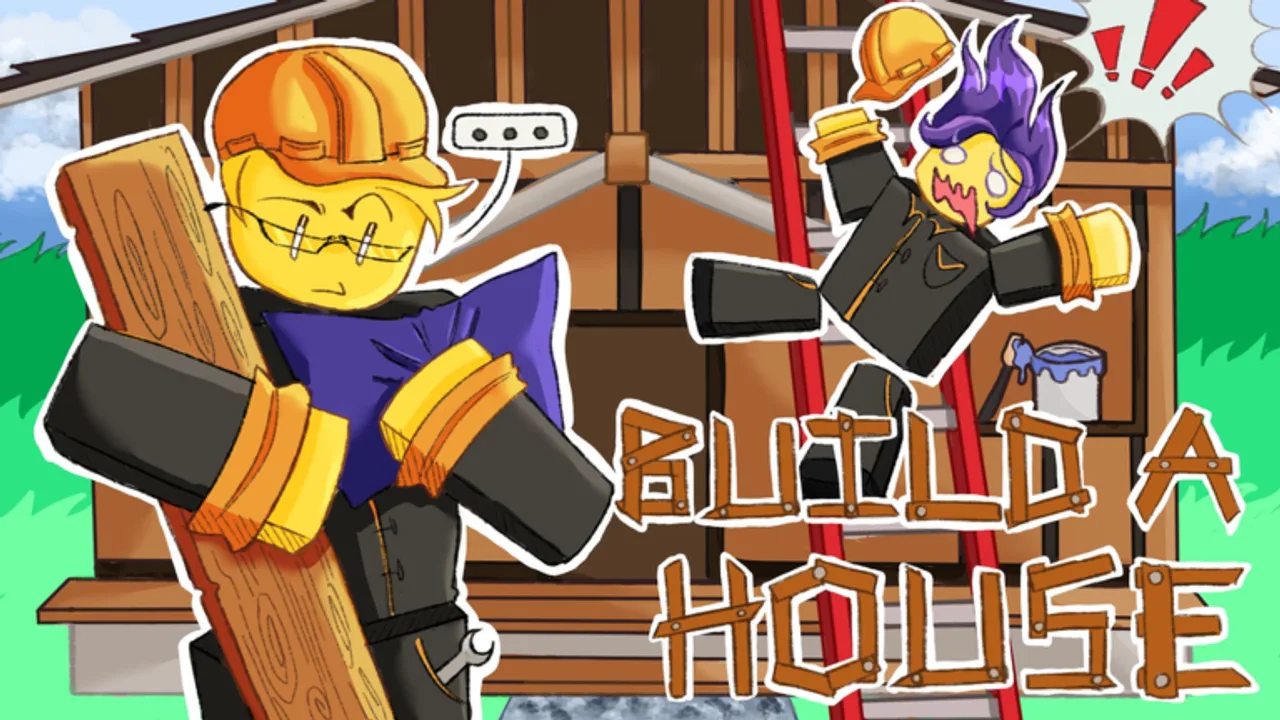
Build a House plays well as a satisfying mobile building loop if your taps stay accurate and your HUD thumb paths are short. This page covers touch placement, finding Upgrades / Shop / Settings on the soft buttons, and comfort habits. Pair it with the Controls Hub and the PC page if you switch devices: PC controls.
Phone sessions often happen in shorter bursts than PC nights. That makes menu discipline even more important: every accidental shop open steals a larger share of a ten-minute commute session.
Core touch loop
- Use the Roblox thumbstick / jump controls to reach brick sources and your plot.
- Tap to place bricks when your placement target looks correct.
- Open Upgrades from the on-screen button when cash spikes.
- Open Shop when you need purchases beyond the upgrade panel.
- Open Settings for audio/UI comfort, then close it and keep building.
Exact icon art can change with patches—learn the labels once per update (Updates).
Tap accuracy tips
- Hold the device in a stable two-hand grip for placement bursts.
- Zoom/camera so the next brick cell is large enough for a thumb.
- Place in short bursts; camera-adjust between bursts.
- Avoid placing while walking animations still fight your aim.
- If the keyboard overlay opens (e.g., chat or a future codes box), dismiss it fully before tapping Submit or place.
Speed habits translate from How to place bricks faster—swap “click” for “tap.”
Menus without hotkeys
PC players lean on U / Q / T. On mobile, muscle-memorize HUD positions instead:
- Upgrades = progression spends (capacity, carry speed, tools categories)
- Shop = additional purchases (Shop guide)
- Settings = comfort
Batch menu visits between collect → place cycles so you are not hunting icons every ten seconds. How to play explains when those visits matter.
Mobile multiplayer realities
Servers still cap at 15 players. Smaller screens make other plots more visually noisy. Dim distractions, lower graphics if frames drop, and keep sightseeing limited (Multiplayer tips).
Codes on mobile
When codes exist, paste carefully into the in-experience box and ensure the Redeem button is tappable after the keyboard closes. Today, the Codes Hub lists no verified codes—do not install side apps that promise mobile redeemers.
Session template for phones
- Five minutes: only collect and place (complete-house pacing starts with momentum).
- One upgrades visit tied to a named bottleneck (Upgrade priority).
- Optional shop visit if tools are the limiter (Tools tier notes).
- Longer placement block.
- Optional leaderboard peek (Leaderboards).
Battery, heat, and frame pacing
Long mobile sessions can throttle performance. If taps start missing, check heat and graphics before you blame the game or buy another upgrade. A cooler device with stable frames often “feels” like a carry speed upgrade even when you spent nothing.
When you switch from phone to PC mid-house, re-learn the U / Q / T keys once, then continue the same bottleneck plan in your Carry planner notes.
Related pages
Controls Hub, PC controls, Guides Hub, Carry planner, Links.
Mobile Build a House should still feel calm. If your thumb is frantic, slow the camera down—accuracy rebuilds speed.
Mobile session template
- Find Upgrades, Shop, and Settings icons once and memorize them.
- Run two tap-only placement cycles with zero menu opens.
- Open one menu for a single category spend.
- Return to tapping; judge the buy after two more cycles.
- Adjust Settings only if audio or UI clarity is the real problem.
That template mirrors PC discipline while respecting touch ergonomics. Pair with Essential tips and Settings.
Frequently Asked Questions
Quick answers about Build a House on Roblox.
How do I place bricks on mobile?
Position your character and camera, then tap to place when the target looks correct.
Where are Upgrades and Shop on mobile?
Use the on-screen HUD buttons (labels may vary by update). Learn them once, then batch opens between cycles.
Any mobile-specific settings tips?
Lower graphics if frames drop, and tune audio in Settings so tap timing stays clear.
Can I redeem codes on mobile?
Yes when a codes UI exists—paste carefully. None are verified yet; see [Codes](/codes/) and [How to redeem](/codes/how-to-redeem/).